
Solutions for your everyday maintenance problems.
Find your problem and see how teams use TimeQeeper: from unplanned downtime and work preparation to parts, reliability and compliance.
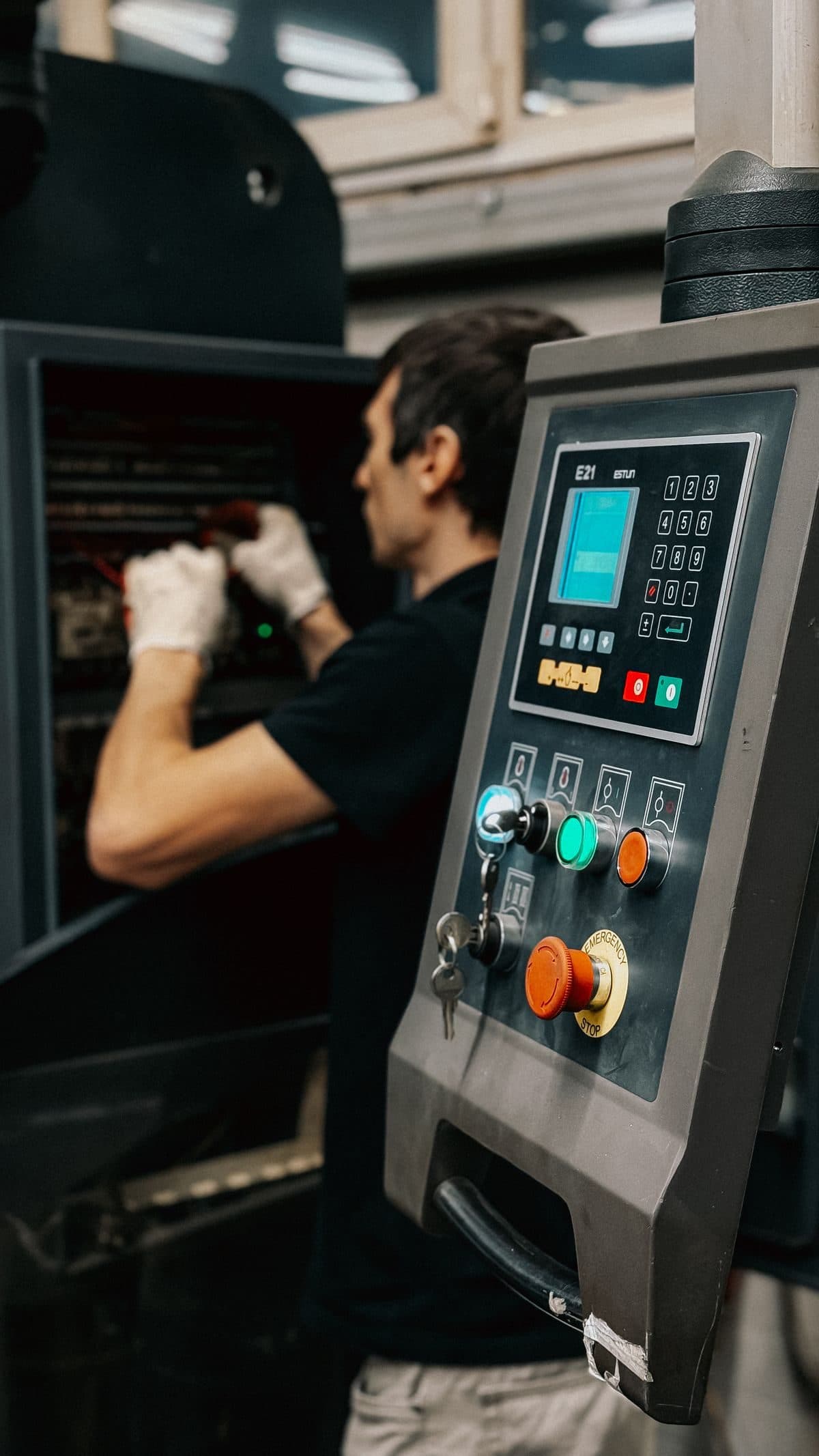
What teams use TimeQeeper for.
Common problems in technical departments, tackled from the same data about your machines and maintenance.
More control over unplanned downtime
From interval to actual usage: use running-hours and asset data to time maintenance better.
Learn moreControl over work preparation
Work orders, tasks, resources and materials connected, so jobs run smoothly from start to finish.
Learn moreInspections & integrity
Inspections, wall-thickness measurements and FurnIQ for installations and industrial furnaces.
Learn moreParts under control
Spare parts linked to maintenance demand, with AI part recognition.
Learn moreReliability & risk
FMECA/RCM to focus maintenance on the assets that really matter.
Learn moreSafety & compliance
Digital permits to work with LMRA and LOTO, linked to the work order, with a logbook of who did what, and when.
Learn moreHow TimeQeeper tackles your biggest maintenance problems.
More control over unplanned downtime
Reactive maintenance means surprises: a machine fails and your whole schedule shifts. TimeQeeper measures your machines' running hours and lets maintenance rounds follow actual usage instead of the calendar. So you schedule work earlier and reduce the chance of a breakdown upsetting your plans.
See running hours & monitoringRead what downtime costs and how to calculate itControl over work preparation
Work stalls when materials, resources and instructions aren't ready. TimeQeeper connects work orders with tasks, spare parts and documents, so a technician starts with everything at hand. Less searching, less half-finished work, and the history per asset in one place.
See maintenance & work ordersRead how to set up work preparationInspections & integrity
For furnaces and critical installations, condition determines when to act. With inspections, wall-thickness measurements and FurnIQ as a clickable digital twin, you see per zone how the installation is doing and plan overhauls on data instead of gut feeling.
Explore FurnIQRead about boiler tube thickness measurementParts under control
A missing part can bring a whole job to a halt, while too much stock ties up money. TimeQeeper links spare parts to work orders, works out what has dropped below the reorder point and turns that reorder suggestion into a request to the supplier. That gives you a firmer grip on what you have and what you need.
See warehouse & spare partsRead how to manage spare partsReliability & risk
Not every machine deserves the same attention. With an FMECA you map the failure modes, the risk and the right maintenance strategy for each asset, and the tasks that follow become rounds in your maintenance plan. So you focus maintenance on the assets and failure modes that matter most.
See reliability & FMECARead what FMECA is and how to apply itSafety & compliance
During an audit you want proof, not a search. The digital permit to work, with LOTO measures and LMRA questions, sits with the work order, along with a logbook of who did what, and when. So the work is traceable and a PDF shows what was agreed.
See safety & complianceRead about safe maintenance with LMRA and LOTOFrequently asked questions about approach and rollout
Where do organisations usually start?
With the problem that costs the most. In practice that is often maintenance and work orders, or measuring running hours on the critical installations. It expands from there.
Do we have to roll out the whole platform at once?
No, the platform is modular. You switch on what you need and add modules later; the parts you are not using yet stay out of your way.
Does TimeQeeper work alongside systems we already have?
Yes. Existing data comes in through structured imports, and the planning module reads the work order export from an existing maintenance system. How you connect further to your system landscape is something we look at case by case.
What do we need before running hours can feed into planning?
Sensor nodes on the assets whose usage you want to follow, plus a gateway. From roughly a month of measurements onwards, the usage trend becomes usable for planning. Without a sensor node, a maintenance round can also follow an hour counter you keep by hand.
Ready for more control over your maintenance?
Book a tailored demo. We'll show how TimeQeeper fits your machines, way of working and team, and we'll get in touch quickly.