
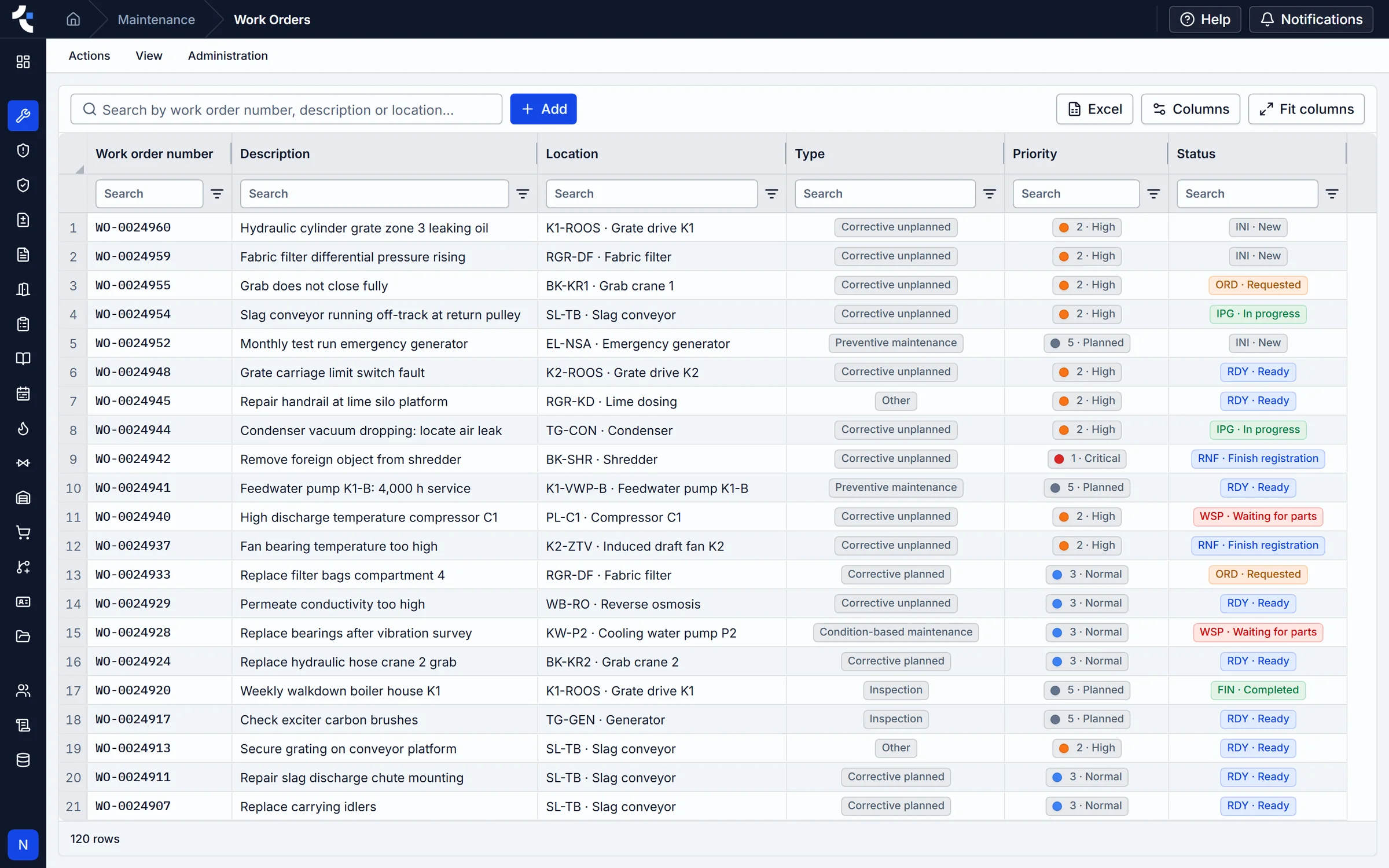
Maintenance & work orders
- Review notifications and turn them into work orders
- Record hours and costs per task
- Preventive rounds by calendar or running hours
Modular by design and built around the shop floor: from asset structure and work orders to warehouse, reliability and safety — connected in one workflow.
Modules that fit together: start with what you need and expand without creating new silos.
TimeQeeper is EAM software with a complete maintenance core. Every module has a job of its own and strengthens the rest: together they form an EAM system that grows with your organisation.
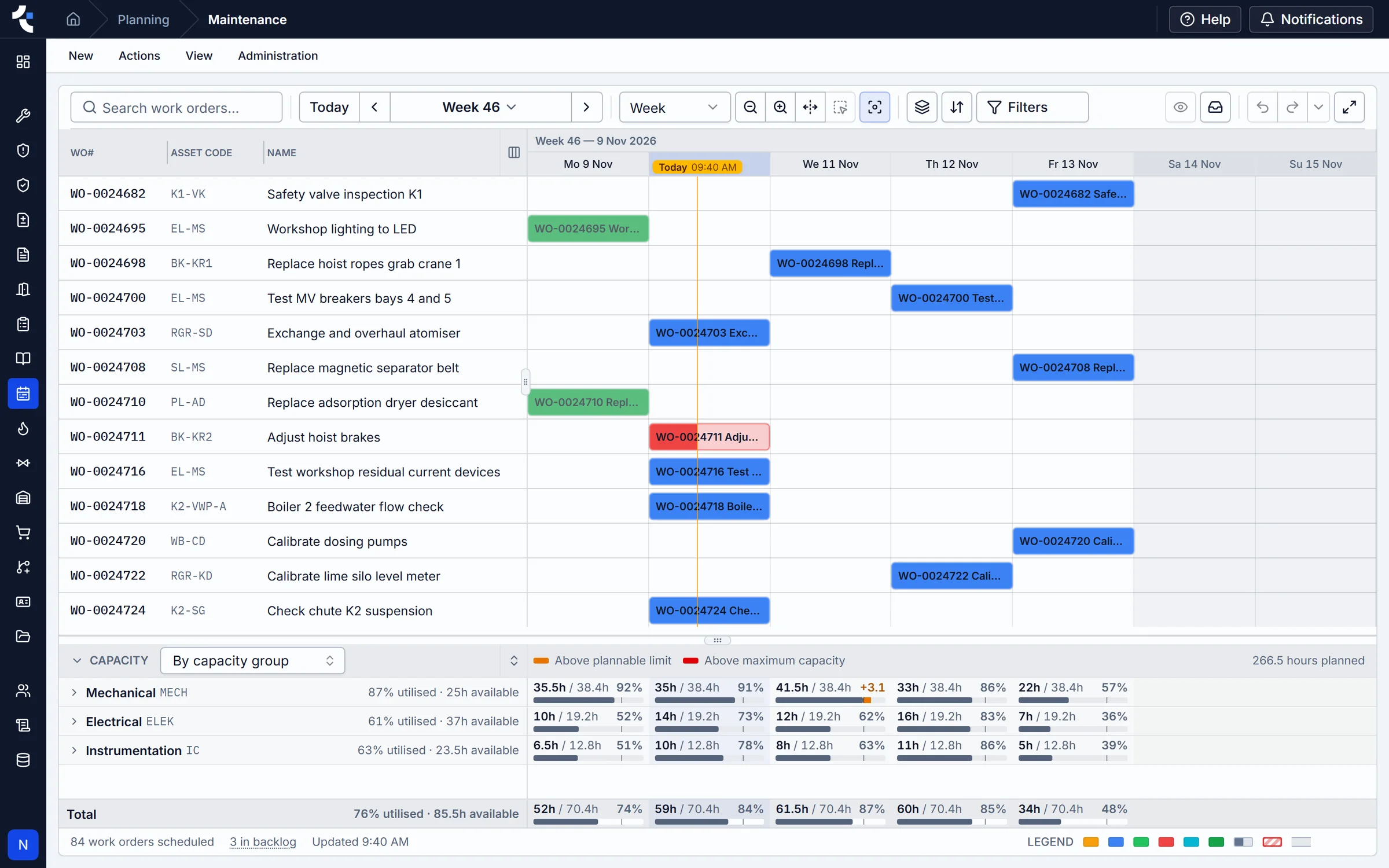
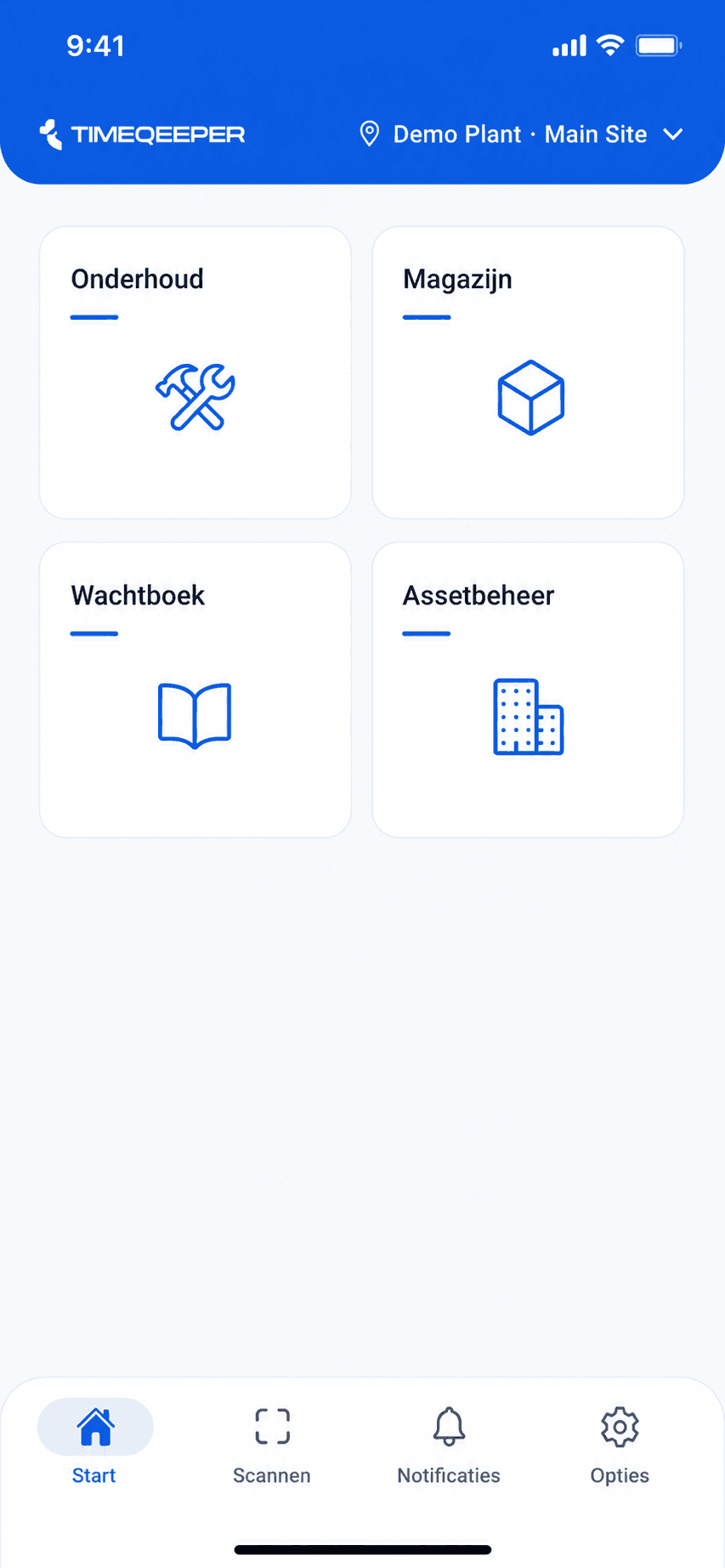
A CMMS runs the maintenance work: notifications, work orders and preventive maintenance. An EAM system follows the asset through its whole life and connects that work with stock, purchasing, documents and risk. TimeQeeper does both, in one platform with one data model. You start with the maintenance core and switch on modules when you are ready. The difference is explained in CMMS vs EAM, the background in what is EAM?
Maintenance & work orders: notifications, work orders, hours and costs, preventive rounds and the history of each asset.
Asset management, running hours and document management: the structure of your installation, lifecycle phase and condition, counters, drawings and manuals.
Warehouse, purchasing, planning and permits to work: what it takes to get the work done on time and safely.
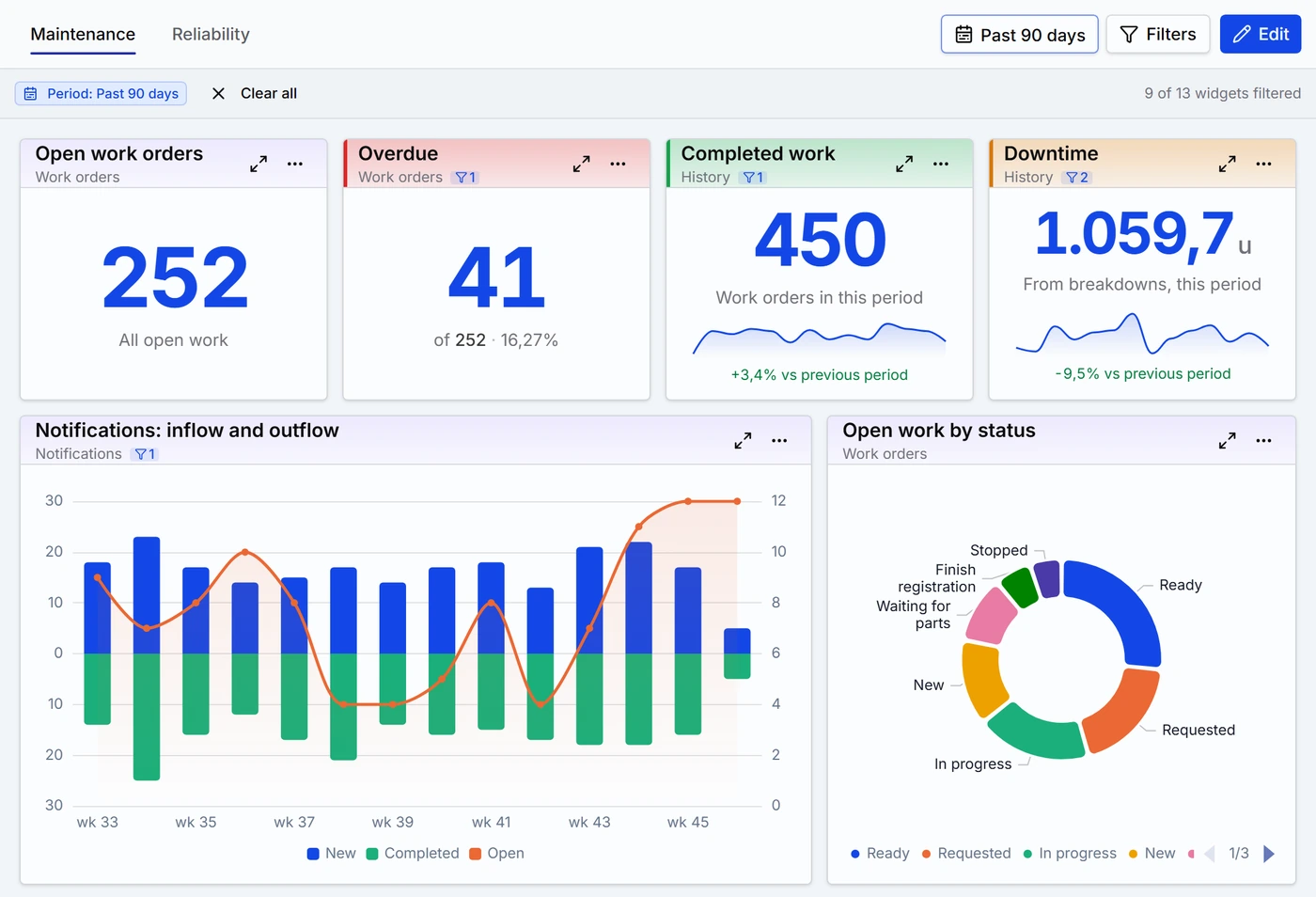
FMECA and dashboards: where the risk sits, how maintenance is doing and where to adjust.
Every step builds on the previous one, so each machine shows what was planned, what was done and what you learned from it.
What you learn goes back into the plan
Buddy answers questions about your own data: assets, work orders, notifications, stock and replenishment needs, shift logs, permits, planning and documents. Every answer is short, with references to the work order, asset, item or document it rests on. Buddy only reads your data; any changes are yours to make.
Buddy uses an external AI service. Read about AI and your data
Buddy
Which work orders on feedwater pump 2 are still open?
There are two open work orders on 10LAC20AP001:
Sources (3)
Would you also like to see this year's completed work orders?
Ask about your TimeQeeper environment…
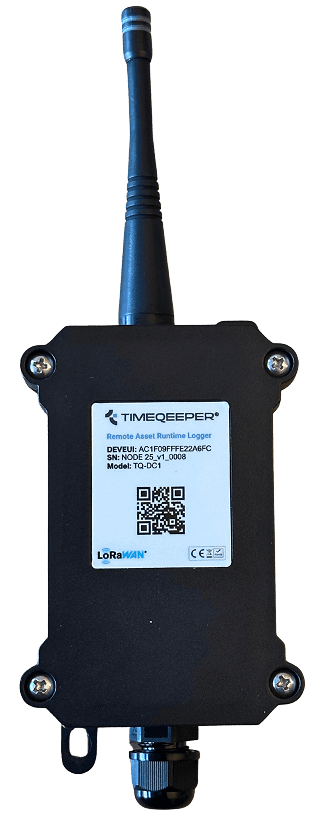
TimeQeeper receives live data from sensor nodes via gateways and brings in existing data through structured imports. Permissions per role and module, a logbook of changes and structured master data provide the foundation that larger organisations expect.
Modular by design, with the permission and governance structure enterprise organisations expect.
For each module you decide who may read, write, delete or administer, with permission groups or per user.
See who changed what, and when, in a searchable logbook.
Assets, locations and maintenance objects in a recognisable structure.
Clear status flows from request to resolved.
Instructions, evidence and attachments in the context of asset and work.
Start with maintenance and expand to warehouse, FMECA, permits and more.
EAM stands for Enterprise Asset Management: software for managing installations and machines over their whole life, from purchase to disposal. An EAM system connects asset data with maintenance, stock, purchasing and documents.
A CMMS focuses on the maintenance work itself: work orders, preventive maintenance and history. EAM software takes a wider view and follows the asset through its whole life, including stock, purchasing, documents and risk. TimeQeeper covers both: you start with the maintenance core and expand with modules. The difference is set out in CMMS vs EAM, the background in what is EAM?
TimeQeeper is built for asset-intensive environments such as industry, waste processing, manufacturing, logistics and energy — from technical teams to management.
No. The platform is modular: many organisations start with maintenance and work orders or with asset monitoring, and expand step by step.
As standard, through structured imports and exports. If you already run a maintenance system, you import its work order export, plan in TimeQeeper and export the result back. We set up other integrations in consultation with you.
With per-module permissions, two-step verification, a logbook of changes and structured master data. Your data is stored within the EU; for some of the AI features, text is processed by an external AI service. The Security page explains exactly how this works.
Book a tailored demo. We'll show how TimeQeeper fits your machines, way of working and team, and we'll get in touch quickly.