
Software for the technical services department: a grip on work, hours and contractors.
You find a technical services department in every sector, from dairy plant to water treatment, and the question is the same everywhere: what is open, who is working on it and what has been done? TimeQeeper gives the head of department one overview of that, with notifications, work orders, preventive rounds, hours and contractors in the same place.
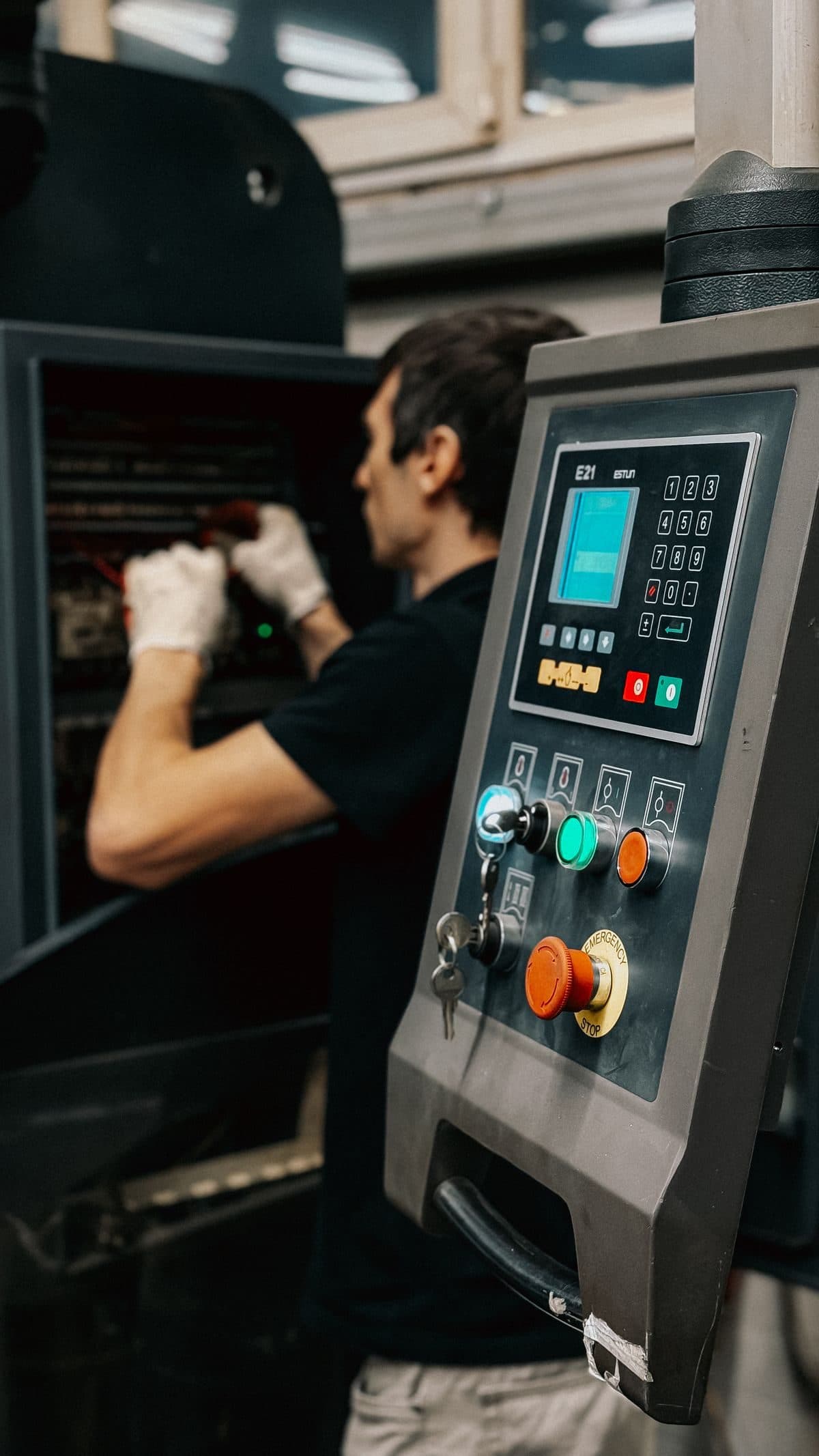
What a head of technical services will recognise.
The department is small for what it keeps track of. There is more work than hands, and whoever has the overview is often also the one fixing the breakdown.
Work arrives in the corridor
A phone call, a text message, someone catching you at the coffee machine. Whatever sounds urgent gets done straight away and the rest drops out of sight. By the end of the week nobody can say what came in and what is still waiting.
Breakdowns eat the plan
The week starts with a plan and ends with a list of what came on top. Preventive work slips. And when management asks where the hours go, or why you need another technician, all you have is your own impression.
Contractors outside your records
A third party does the inspection, the overhaul or the call-out service. You see the invoice and a report in your inbox, but not whether every task was done, what was found and whether anyone is acting on it.
From incoming work to reporting to management.
Made for a department where the same people plan, repair and report. You start with what hurts most and add to it when the time is right.
One route in for all work
Anyone with access raises a notification, in the web app or on their phone in Pocket, with a photo if useful. TimeQeeper shows whether that asset already has open work. You assess: create a work order, link it to existing work, reject it or close it. So everything stays on one list.
See TimeQeeper PocketSeeing whether the work fits the hours
For each technician or crew you set the available hours and the utilisation rate, so there is room left for breakdowns. The capacity panel sets planned work against that, and absence and closure days count. Automatic planning makes a first layout, which you then adjust yourself.
See planningPreventive maintenance outside one person's diary
PM plans create their own work orders, by date or by running hours, and every round shows its status. Statutory inspections work the same way. So a deadline no longer depends on who happens to remember it.
See PM plansHours per job and per week
The work order shows hours per task and per resource, with an internal or external rate. Time tracking is about the employee: clocking in with Pocket or filling in hours, one timesheet per week, approval by the manager and an overview for payroll.
See time trackingContractors in the same file
A task on the work order goes to your own people or is outsourced, with supplier and amount; with the Purchasing module it becomes a line on a purchase requisition. The report that comes back is read in: action points with the quote, a scope check against the work order and what is still open per contractor.
See the Purchasing moduleFigures for the management meeting
Build your own dashboard with open and overdue work, the split between preventive and corrective, notifications per position and what became of a locked week. Colleagues at your site link to it read-only, so everyone is talking about the same figures.
See dashboardsA week in the life of a head of technical services.
An ordinary week, with a plan, a breakdown and a contractor.
- 1
Monday: getting the work in order
You go through the new notifications. Two become work orders, one you link to work already planned and one you close because it has been solved. The capacity panel shows red on Wednesday, so you move a job.
- 2
Tuesday: the breakdown
Production reports that a line is down, with a photo and the stop impact. The asset record shows what was done last time and which parts belong to it. A technician goes out, and whatever that leaves undone, you move on the board.
- 3
Wednesday: the contractor
An installer carries out the annual inspection as an outsourced task on the work order. The report comes in, you assess the proposed action points next to the quote and turn two findings into notifications. The scope check shows that one task does not appear in the report, before the invoice has arrived.
- 4
Friday: hours and figures
You approve the timesheets, several at once if you like, or send one back with a reason. For the management meeting you open the dashboard: how much work was preventive, what was left undone, which asset keeps coming back.
By the end of the week you have an answer when someone asks where the hours went.
Questions from technical services departments
Is this also for a small department?
Yes. You start with notifications and work orders for your own team, and add preventive rounds, warehouse or planning when there is room for it. We look together at which setup suits the size of your department.
Technicians are not looking for extra admin. How do you keep it workable?
Let the records build up during the work. A notification takes a few taps in Pocket, starting and stopping a task records the hours per resource, and on completion the technician writes down what was done and, for a fault, the cause and the action taken. When that is there at the next breakdown on the same machine, it convinces people more than any instruction.
What is the difference between hours on the work order and time tracking?
Hours on the work order show what a job costs: per task and per resource, with an internal or external rate. Time tracking is about the employee: when they worked, with what break and hour type, and what has to go through payroll. In the Netherlands it also helps with the Working Hours Act's duty to keep proper records of working and rest times. More in time tracking for technicians.
Who is responsible when a contractor works on our site?
Both, each for their own part. In the Netherlands, article 19 of the Working Conditions Act asks employers working in the same establishment to cooperate effectively so that the rules are complied with. Access, permits and making the plant safe usually sit with you in practice. The permit to work records the contractor and holder. The full approach is in managing maintenance contractors.
What do we need to be able to show at an inspection?
The Dutch Working Conditions Decree asks for written evidence of inspections at the workplace; according to the government's Arboportaal that may be digital or printed. If a piece of equipment has a maintenance log, it must be kept up to date. Reports and certificates go on the asset as documents, and work orders export to PDF with tasks and history.
How do we show that we need more people?
With the gap between plannable hours and planned work, over several weeks. The capacity panel shows where it pinches and the backlog what is waiting for a slot. If you lock the week, a dashboard shows how much of the committed work really was finished. That backs the request with figures from your own planning. Which metrics help is covered in maintenance KPIs.
Everything is in spreadsheets and in people's heads. Where do you start?
With the asset list: if it is in Excel, we take it over from you during setup. After that, let all new work run through notifications and work orders, so the history builds from day one. Add preventive plans asset by asset, starting with what is most critical.
We are a technical services provider working at clients' sites. Does this work for us?
Yes. History and work orders are kept by site and installation, which lets you show each client what has been done at their site. In time tracking, the client signs off the hours per project on a phone. We agree the setup for several clients case by case.
Ready for more control over your maintenance?
Book a tailored demo. We'll show how TimeQeeper fits your machines, way of working and team, and we'll get in touch quickly.