
Maintenance software for manufacturing: maintenance that fits between the orders.
On a production line, the moments for maintenance are short: a changeover, a night shift, the weekend stop. TimeQeeper brings operators' notifications, preventive rounds and spare parts together per machine, so you make better use of those moments and get more of a grip on unplanned downtime.
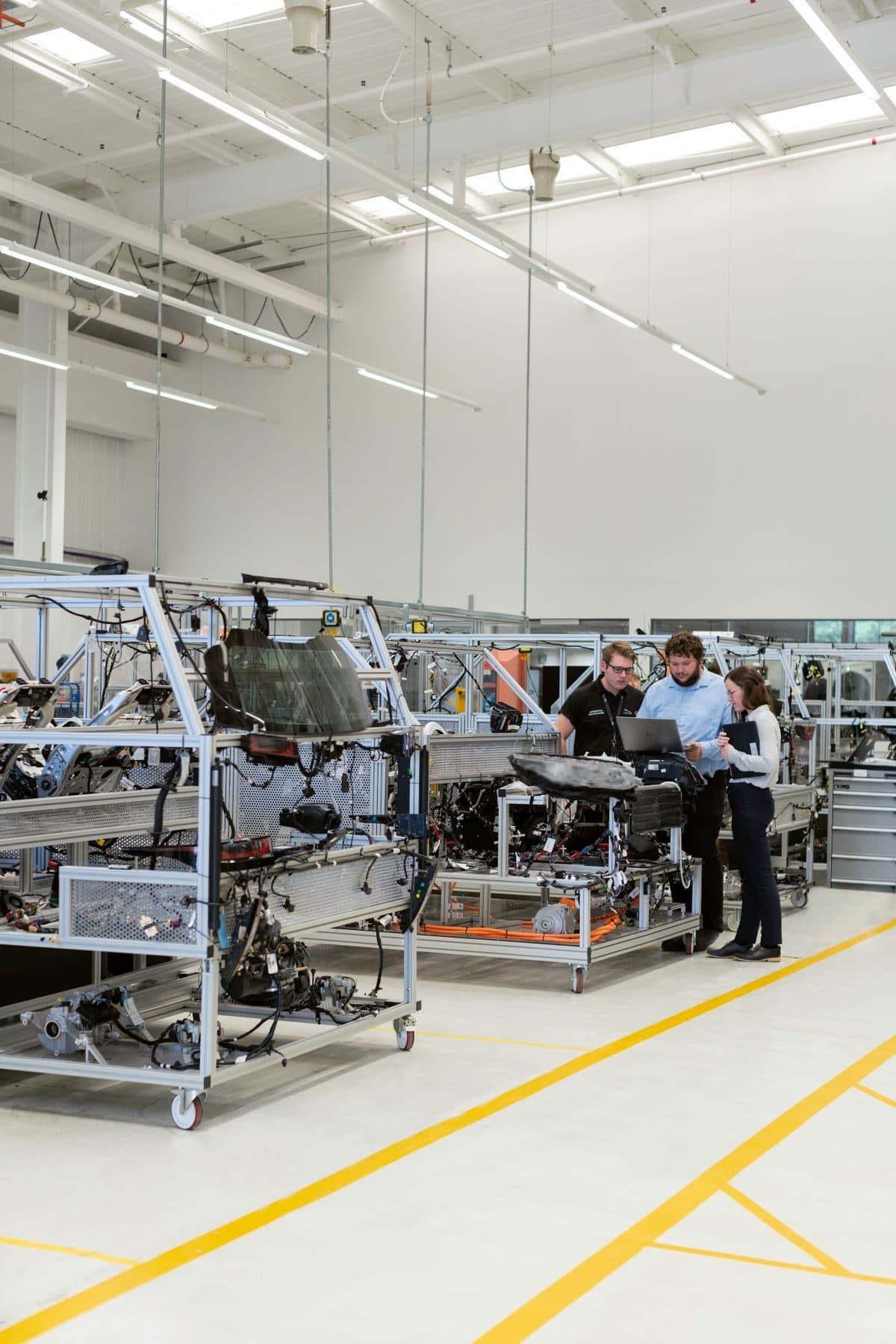
Where maintenance and production collide.
Production is judged on output and delivery dates, maintenance on the state of the machine. Without a shared view, today's order wins and maintenance slips until the machine decides for itself.
Preventive work that keeps slipping
The lubrication round is set for Tuesday, but on Tuesday the rush order is running, and again the week after. On the calendar the work has simply moved. Nobody sees how often that has happened, or which machine is now months behind.
Minor stops that stay within the shift
An operator clears a jam and restarts, twenty times a shift. None of it gets written down. OEE shows performance dropping, but the maintenance team does not know which machine or component is behind it.
Two stories about the same downtime
Production calls it a breakdown, maintenance a changeover that overran. Each has its own figures, and the meeting is about those figures instead of the machine.
From the notification on the line to the picture per machine.
TPM asks operators and technicians to look at the same machine. That only works if the small observations end up somewhere.
Reporting from the line
An operator raises a notification on their phone: machine, title, a photo if useful, and whether the machine or the whole line is down. The maintenance team sees straight away whether there is already open work on that machine and decides what happens next.
See TimeQeeper PocketAutonomous maintenance in the shift log
Cleaning, inspecting and lubricating become fixed tasks per shift type and weekday. The crew ticks off what has been done or skips a task and gives a reason. At handover the next crew sees what is going on, and a dashboard shows which log entries keep coming back.
See ShiftlogRounds on running hours or from the manual
If a machine runs two shifts one month and three the next, the calendar says little. So a round can count running hours, measured by a sensor node or read from an hour counter, optionally with a time limit, such as 500 hours or 1 year. AI reads the schedule from the manufacturer's manual; you review every task before the plan goes live.
See PM plansPlanning around changeovers and fixed stops
On the planning board you group work orders by workplace, asset or project, with upcoming calendar rounds as a forecast. You mark a weekend or holiday stop as a time range, and in the day view you plan by the clock, down to the half hour, for instance within a changeover.
See planningOEE next to the maintenance figures
A dashboard shows work orders per machine and notifications with downtime per position. You add OEE figures from your production records as your own data source, from Excel or CSV, and a weekly snapshot builds them into a series.
See dashboardsThe right part for the right machine
On the parts map you pin items to the drawing or exploded view of a machine, coloured by stock level. You request parts on the work order, and once the warehouse has committed them, a pick list has them ready when the line comes free.
See the warehouseA recurring fault on the labelling machine.
How one observation from the night shift ends in a change to the maintenance plan.
- 1
Night shift: the notification
The labeller on line 3 jams for the third time. The operator raises a notification with a photo and marks the line as stopped. It also goes in the shift log, so the morning crew knows.
- 2
Morning: the assessment
The maintenance team sees there is no open work on this machine and turns the notification into a work order, with a task and a new pressure roller as a component. The warehouse confirms the reservation.
- 3
Thursday: the changeover
The planner puts the work order on Thursday afternoon's changeover. The machine is isolated, the technician starts the task and the hours are recorded per task.
- 4
Afterwards: completion
On completion the technician records cause and action, and the machine's condition if needed. The job is then in this machine's history.
- 5
Monthly review: the decision
The dashboard shows this workstation has the most notifications with downtime. Next to the line's OEE, that is a reason for a root cause analysis and an inspection round with a shorter interval, which you decide together with production.
A fault the crew fixed themselves no longer stays out of sight of whoever writes the maintenance plan.
Questions from manufacturers
How do we put OEE next to our maintenance data?
TimeQeeper records the maintenance side: faults, downtime, work orders and the history per machine. You add production figures and OEE from your line records as your own data source, through an Excel or CSV file of at most 250,000 rows, so they sit side by side in one dashboard. How OEE is built up from availability, performance and quality is explained in what is OEE.
Does this fit a TPM approach?
Yes. Autonomous maintenance has its place as fixed tasks per shift that the crew ticks off, and deviations reach the maintenance team as notifications. Planned maintenance runs through PM rounds, and the history per machine is the starting point for focused improvement. The approach itself is covered in what is TPM.
May an operator clean or adjust a machine while it is running?
As a rule, no. In the Netherlands, article 7.5 of the Working Conditions Decree says maintenance, repair and cleaning only take place once the equipment has been switched off and depressurised or de-energised, and that also applies to production and adjustment work. Where that is not possible, effective measures are needed. Take this into account when you move tasks to operators; how lockout and the LMRA help is covered in safe maintenance.
When does a machine need an extra inspection?
Besides the periodic inspection, article 7.4a of the Dutch Working Conditions Decree names special moments: after reassembly at a new location if safety depends on the installation, and after changes to the machine, an accident or a long time out of use. If you rebuild a line or move a machine, raise a work order for the inspection straight away and attach the report to the asset.
How much extra admin do operators get?
As little as possible. In Pocket a notification only needs a title; machine, photo and downtime are filled in if they are to hand. Ticking off fixed tasks happens in the shift log, so nobody has to retype a list afterwards.
We have several lines and halls. How do we set that up?
The structure consists of positions, such as hall, line and workstation, with the machines on them as assets and their parts underneath. If your machine list is in Excel, we read it in during setup. Start with the line that stops most often: that is where you will soonest have enough notifications to draw conclusions.
Ready for more control over your maintenance?
Book a tailored demo. We'll show how TimeQeeper fits your machines, way of working and team, and we'll get in touch quickly.