
Maintenance based on actual run-hours.
Stop manual inspection rounds and scattered registrations. TimeQeeper measures run-hours automatically through industrial sensors and consolidates everything into one clear platform — so you plan maintenance on actual usage instead of calendar assumptions.
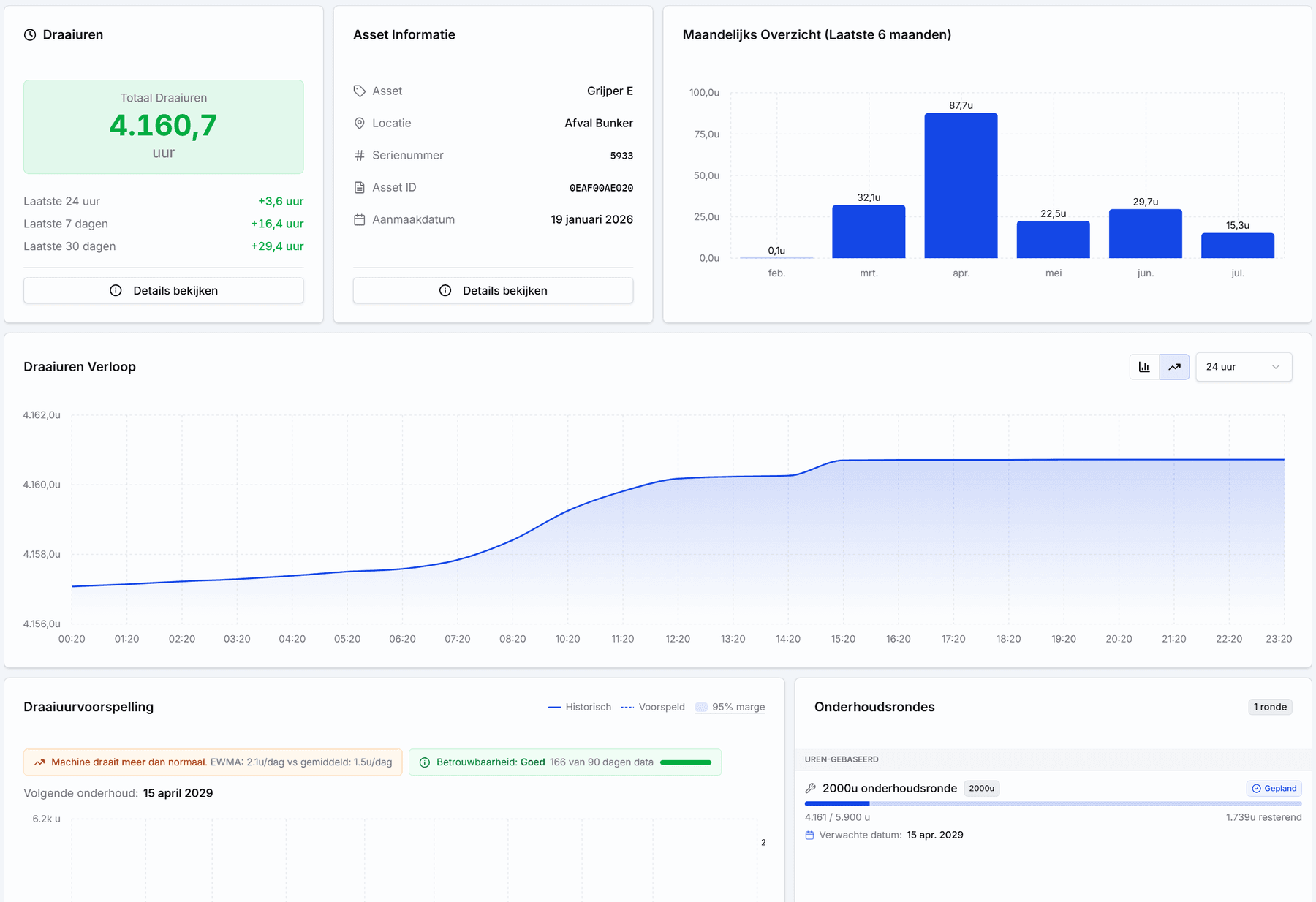
- 100%
- Automatic tracking
- 24/7
- Continuously monitored
- 0
- Manual logging
From sensor to smarter maintenance, in four steps.
- 1
Mount the node
An industrial measuring node is placed on the machine without complex wiring. No modifications to the installation required.
- 2
Automatic detection
The node registers run-hours and starts via a current sensor or dry-contact signal — fully automatic.
- 3
One dashboard
Run-hours, starts and status come together automatically in the platform, per asset and per location.
- 4
Reports & maintenance
Automated reports and maintenance plans that follow actual usage instead of the calendar.
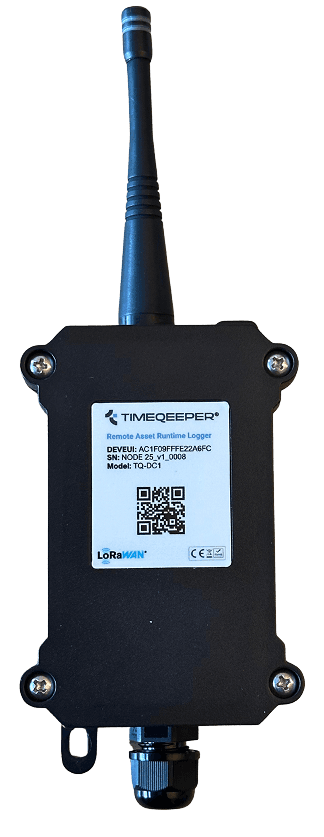
TimeQeeper node (TQ-DC1) — Remote Asset Runtime Logger
Industrial measuring nodes, built for the field.
The TimeQeeper node is a rugged, wireless data logger that registers run-hours on the machine itself. Data travels via LoRaWAN to a gateway; if the connection drops, the node buffers locally and transmits later.
- LoRaWAN
- Wireless — no complex wiring
- Local data buffer
- Gateway with 4G
- Current sensor or dry contact
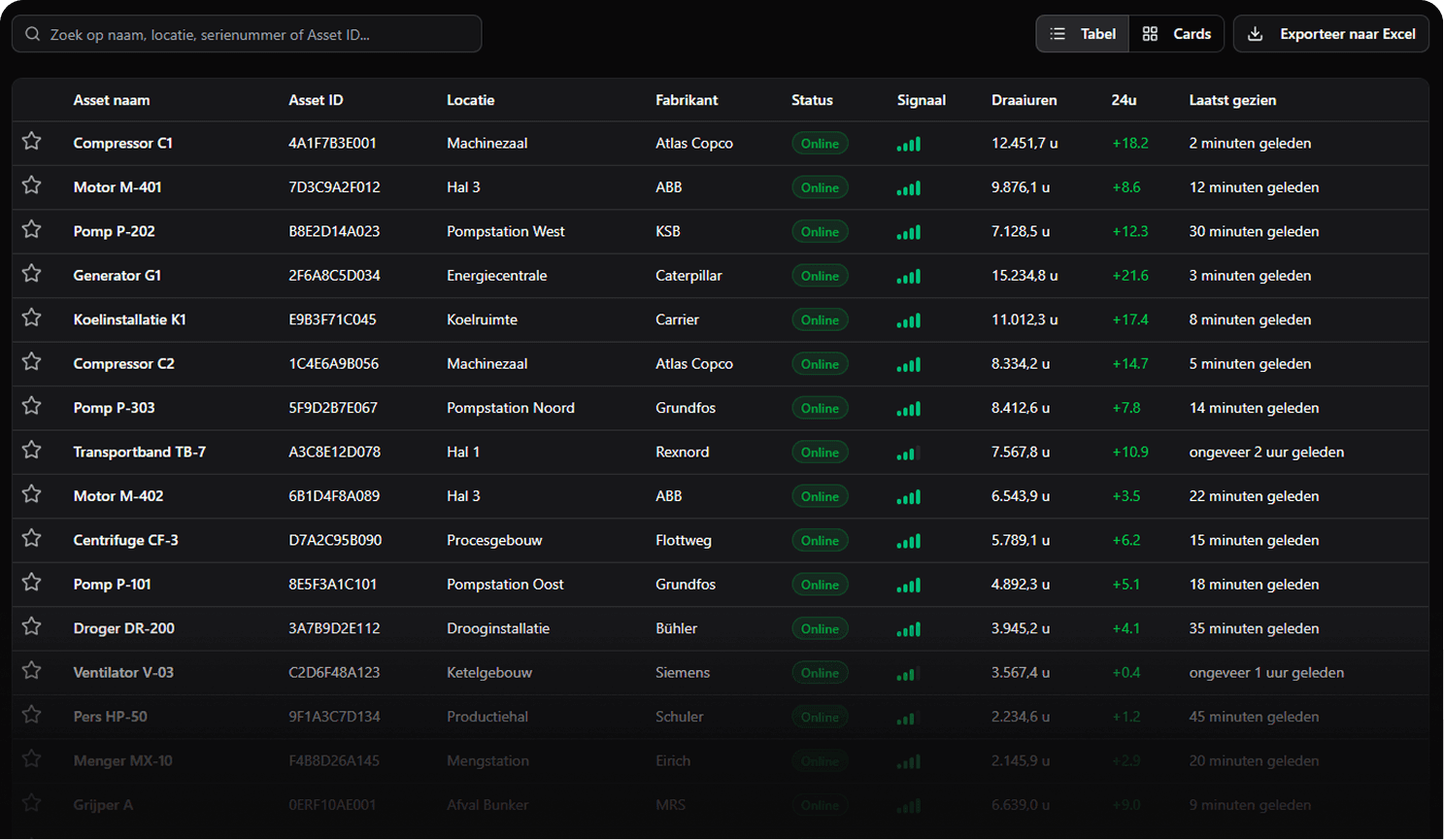
Up-to-date run-hours, per asset.
From the total overview down to the run-hour trend per machine: all runtime data in one place.
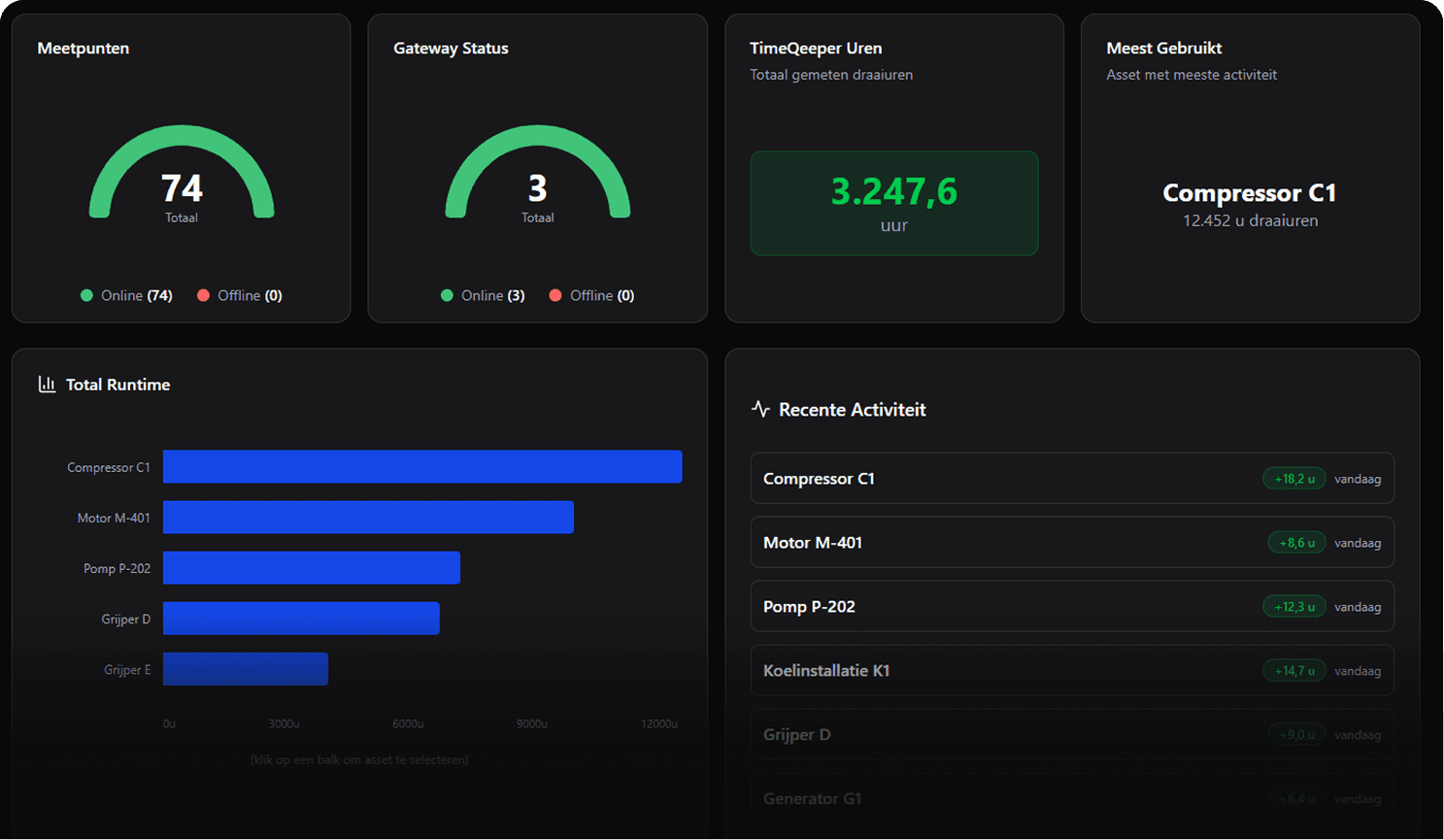
Dashboard — measuring points, gateways and totals
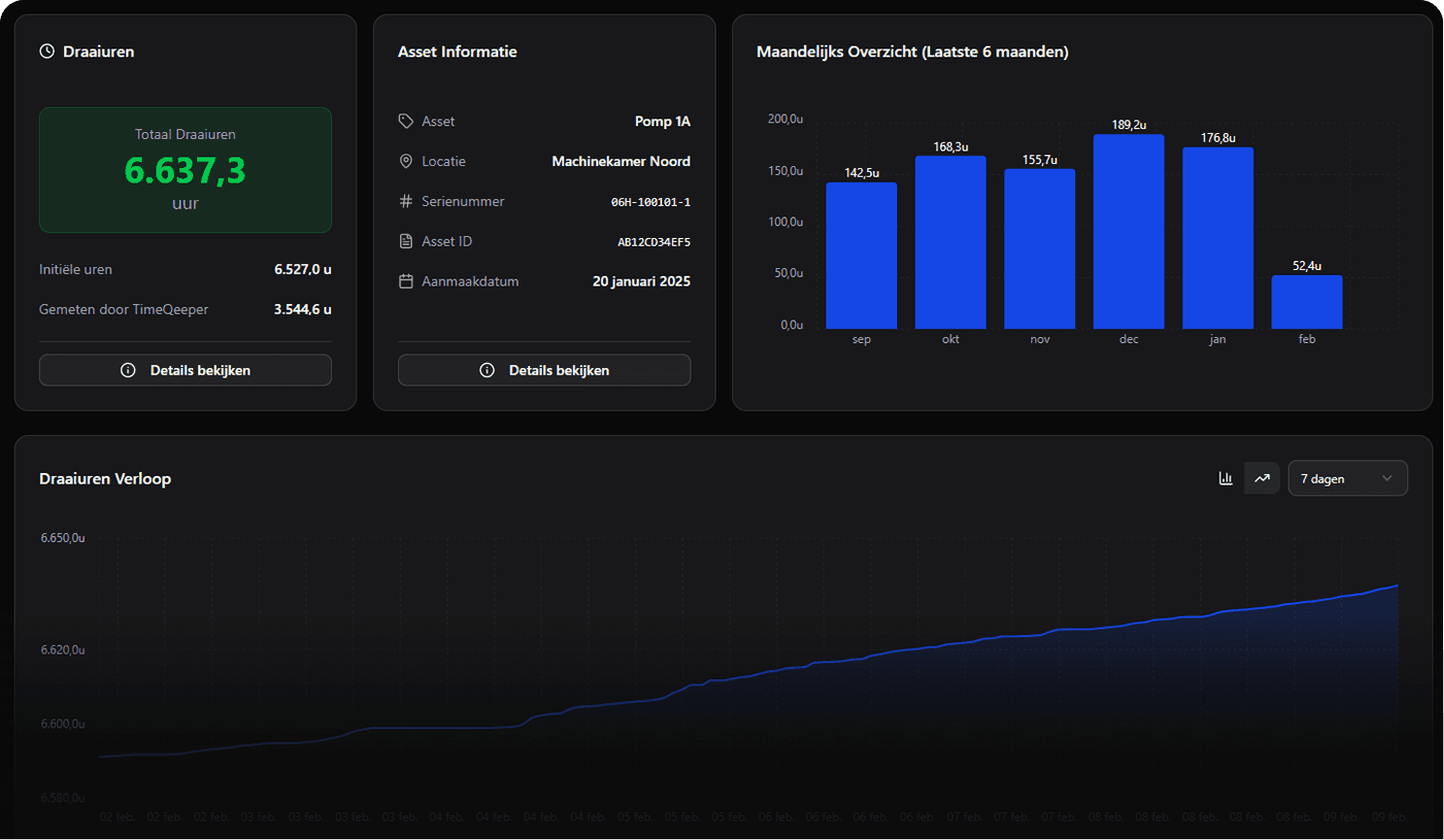
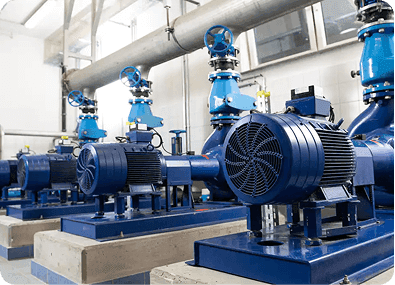
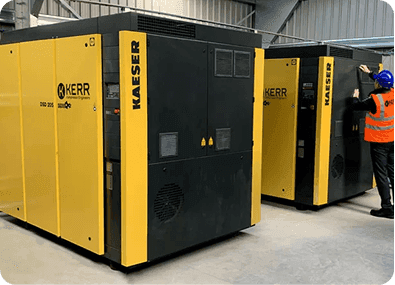
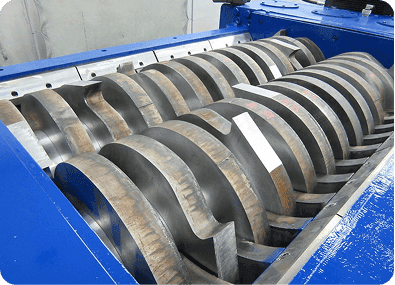
For every machine that runs.
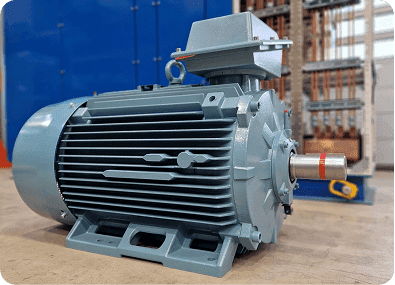
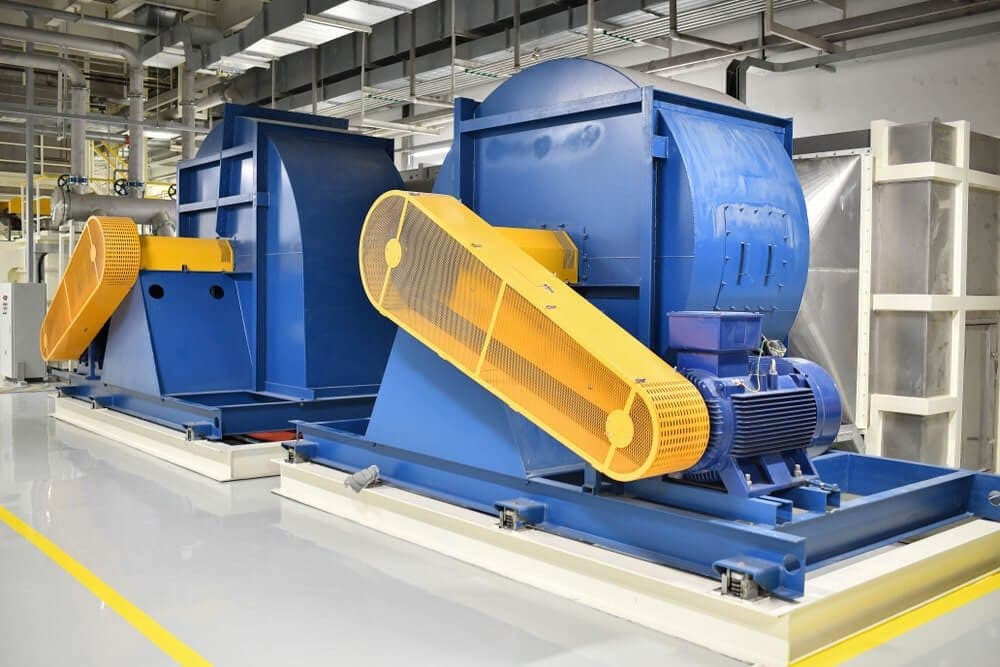

Run-hours are just the beginning.
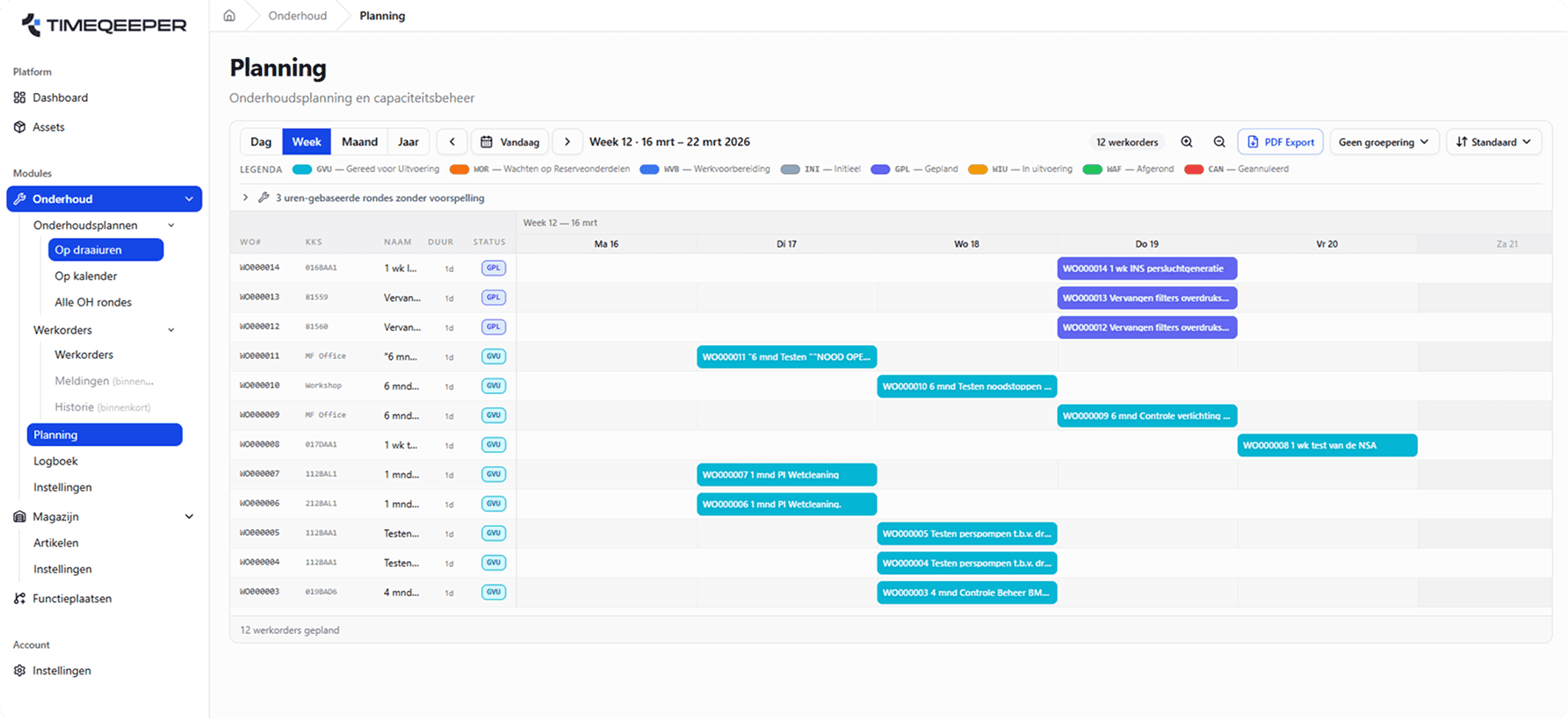
Within TimeQeeper, run-hours are a data layer in the broader EAM platform. Maintenance plans run directly on run-hours: work orders are created based on actual usage, with full history per asset.
- Maintenance plans on run-hours or calendar
- Work orders based on actual usage
- Full history and reporting per asset
Ready for more control over your maintenance?
Book a tailored demo. We'll show how TimeQeeper fits your assets, processes and team — and we'll get in touch quickly.