
Your warehouse connected to your maintenance.
Items, stock, reservations and purchasing in one place — linked to your work orders. From minimum stock to purchase order: TimeQeeper does the math and handles supplier communication.
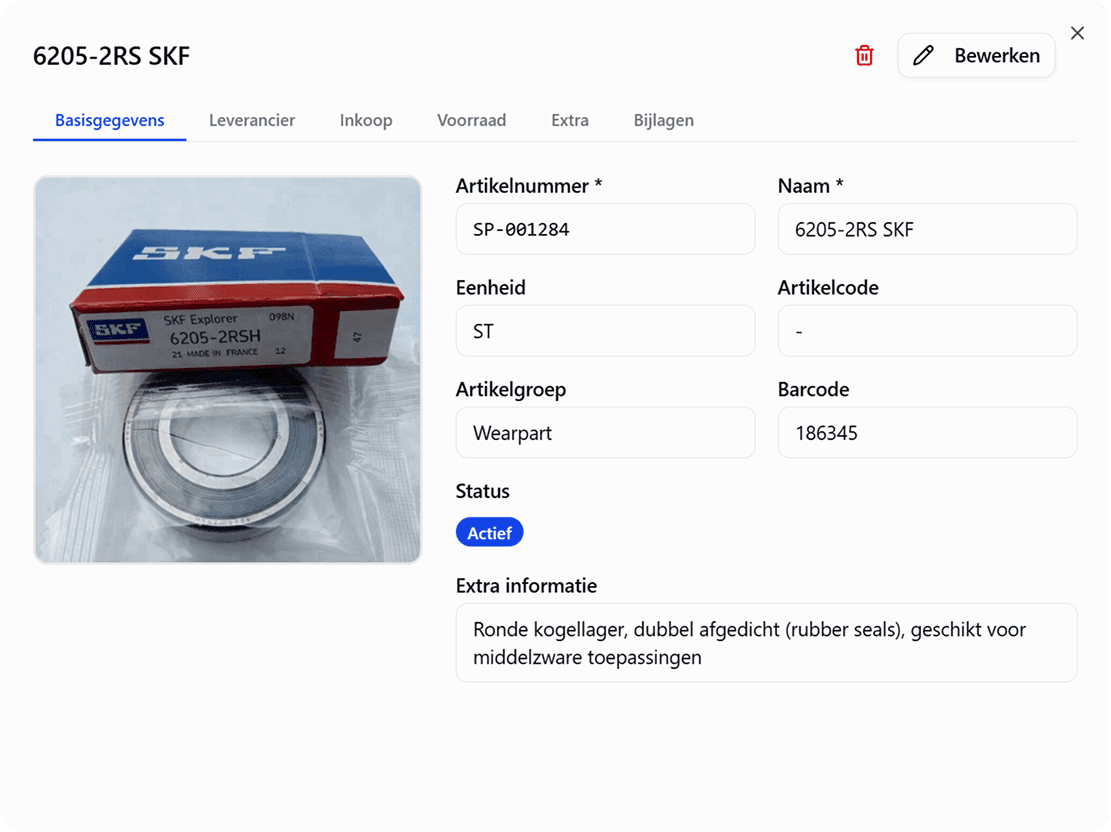
Everything a technical warehouse needs.
Items & stock
Item management with photos, barcodes and ABC classification. Stock per warehouse and location: physical, reserved and available.
Linked to work orders
Reserve parts for work orders and book consumption directly on the job. Every mutation traceable to the task.
Counts & mutations
Cycle counts with count planning per ABC group, clear discrepancies and a full mutation history.
Suppliers
Suppliers as master data, with contact details, lead times per item and preferred suppliers.
Parts map
Upload technical drawings and link items to clickable points — colour-coded by stock status.
AI photo search
Photograph a part and TimeQeeper finds the item: AI image recognition, text recognition (OCR) and barcodes work together — and it learns from your own catalogue.
From minimum stock to purchase — in one flow.
The replenishment page calculates your reorder needs in real time: everything below reorder point or minimum appears, sorted by urgency and grouped by supplier — including order advice up to your maximum. Select the lines and create a request right there.
- Min/max and reorder point per item, per warehouse
- Urgency at a glance: critical, low or reorder
- Automatic order advice and Excel export
- Create a request (RFQ) directly from the page
Replenishment needs
Lead time 5 daysTechnische Handel BV
(3)- 02 / 1010Critical
Bearing 6204-2RS
SP-001284
- 12 / 87Low
V-belt SPA 1250
SP-000871
- 34 / 129Reorder
Filter element 10µ
SP-002106
Request RFQ-2026-018
MessagesTo: sales@techhandel.nl
SentPlease send your quote for the attached request (3 lines).
RFQ-2026-018.pdfFrom: sales@techhandel.nl
ReceivedThanks for the request — quote attached. Lead time 5 working days.
Quote-8841.pdfAutomatically linked to RFQ-2026-018
Order without your own mailbox.
Send requests straight from TimeQeeper, with an automatically generated RFQ PDF. When your supplier replies, their response — including quote attachments — is automatically linked to the right request and the status jumps to 'quote received'. The whole conversation lives as a message thread on the request.
- Send and receive inside the platform
- Replies automatically matched to the right request
- Supplier attachments stored with the request
The full purchasing flow, from request to receipt.
Every request follows a clear status flow with an audit log. On delivery you book the goods receipt — partial deliveries included — and your stock is updated instantly.
- 1Draft
- 2Sent
- 3Quote received
- 4Approved
- 5Ordered
- 6Received
Including RFQ PDF with your own logo, quote attachments and statistics per status.
Ready for more control over your maintenance?
Book a tailored demo. We'll show how TimeQeeper fits your assets, processes and team — and we'll get in touch quickly.